Firing off a text message without having to fumble around for your mobile has become something of a modern-day convenience, and there's a surprising number of ways to make it happen straight from your laptop or desktop. Whether you're juggling a hectic work schedule or simply prefer typing on a full-sized keyboard, connecting your computer texting methods to your phone can save you a fair bit of hassle. This piece runs through the most reliable options available today, from built-in tools on Apple and Windows machines to dedicated business platforms designed for handling higher volumes of messages.
What to know
- Sending SMS from a computer increases productivity by allowing users to text using a full-sized keyboard without reaching for their mobile devices.
- Native tools like Apple Messages, Google Messages Web, and Microsoft Phone Link offer the most seamless integration for individual users by syncing directly with their handsets.
- Web-based platforms like Google Voice and WhatsApp Web provide additional messaging options, though they may have geographic limitations or feature sets primarily designed for personal use.
- Device synchronization is generally simple, usually requiring only a QR code scan to link a computer and phone, provided both devices have a stable internet connection.
- Syncing your phone with a PC allows for convenient access to full contact lists and displays incoming message notifications directly on your desktop.
- Professional users requiring mass communication or high security should opt for dedicated business platforms like SimpleTexting or Quo, which offer scheduling, encryption, and team collaboration tools.
- Users should avoid outdated methods like email-to-SMS gateways or unreliable free texting websites, as they lack the stability and modern features of established messaging applications.
Essential desktop applications for managing your text messages
Texting from a PC isn't exactly a new phenomenon, though it has certainly become far more polished over the years. The very first text sent from a computer dates back decades, and the technology has come a long way since then. These days, there's a proper selection of tools that let you send and receive messages without ever picking up your handset, and they range from official manufacturer solutions to third-party services built specifically for businesses.
Native Integration Solutions for Android and iOS Devices
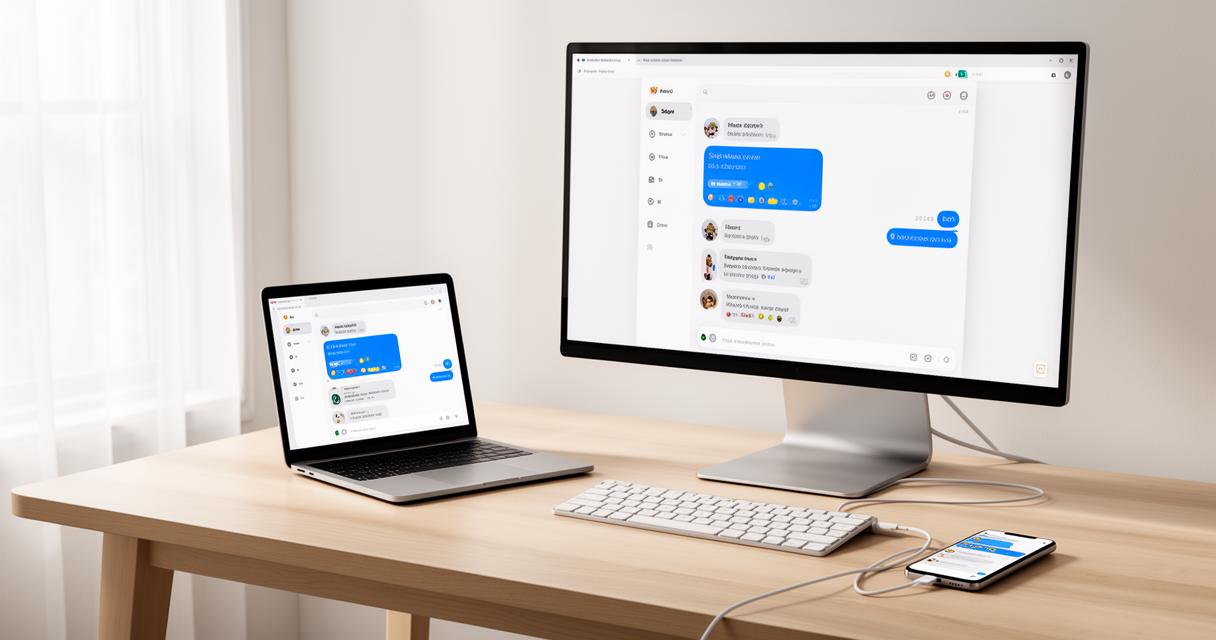
Apple Messages remains one of the most seamless options if you're within the Apple ecosystem, allowing you to send texts using either WiFi or cellular data once your Mac and iPhone are properly linked. It's a smooth experience for anyone already accustomed to using iMessage, and there's no need to install anything extra. On the Android side, Google Messages Web offers a similarly straightforward setup, letting you scan a QR code to pair your phone with your browser in a matter of seconds. Meanwhile, Microsoft Phone Link gives Windows users a dedicated app that syncs with your handset after a quick pairing process, making it a sensible choice if you're working primarily on a PC rather than a Mac.
Web-based platforms offering seamless sms functionality
Beyond the native apps, there are browser-based tools worth considering too. Google Voice is a solid option for those wanting a dedicated number, though it's worth noting the service is limited to the US and starts at around ten dollars a month, requiring a Google Workspace account to get going. WhatsApp Web is another popular choice thanks to its sheer convenience, letting you mirror conversations from your phone directly onto your browser, though it does lack some of the more advanced features that businesses might need for managing customer communications at scale.
Connecting Your Mobile Phone to Your Computer for Enhanced Messaging
Getting your phone and computer talking to each other properly is really the crux of making any of these tools work well. Fortunately, most modern solutions have simplified this process considerably, often boiling it down to little more than scanning a code or signing into the same account on both devices.
Step-by-step guide to establishing device synchronisation
Pairing typically starts with installing the relevant app on your computer, whether that's Phone Link for Windows users or the Messages app for those on macOS. From there, you'll usually be prompted to scan a QR code using your phone's camera, which links the two devices together almost instantly. It's worth double-checking that both your phone and computer are connected to the internet, as a patchy connection can cause messages to lag or fail to sync altogether. Once paired, most platforms will remember the connection, so you shouldn't need to repeat the process every single time you switch devices on.
Managing contacts and notifications across multiple devices
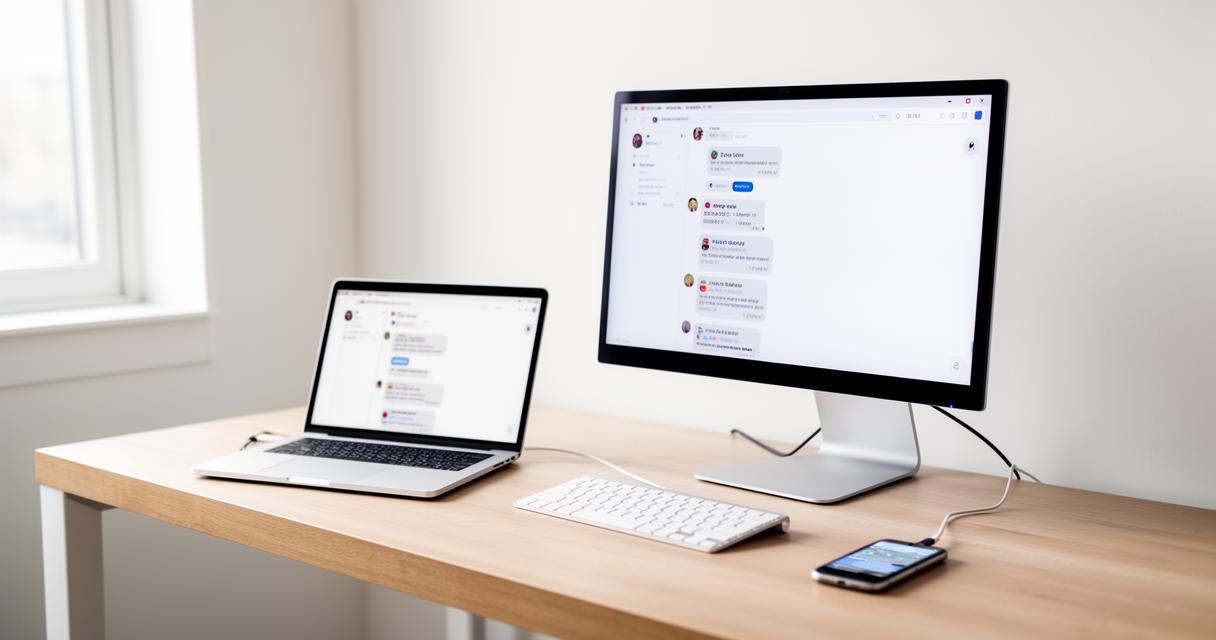
One of the genuine perks of syncing your phone with your PC is being able to see your full contact list pop up automatically, meaning you won't have to type out numbers manually. Notifications also tend to carry over nicely, so incoming messages appear on your screen much like any other desktop alert. This can be particularly handy if you're someone who works across several devices throughout the day and doesn't want to miss anything important buried in your pocket.
Security Features and Portable Solutions for Professional Communication
For those using texting as part of their professional toolkit, security and reliability become far more pressing concerns than they might be for casual chatting. Businesses in particular need tools that can handle higher message volumes whilst keeping data safe.
Protecting your messages with encrypted transmission methods
VoIP solutions tend to be the go-to choice for small businesses, offering advanced features such as auto-replies alongside a decent level of security for sensitive conversations. Dedicated business messaging platforms like SimpleTexting and SlickText are also worth a mention, as they're commonly used for mass text campaigns and come equipped with text templates and scheduling tools that make managing large audiences far more manageable. Another option, Quo, provides a more comprehensive suite starting at fifteen dollars a month, bundling in collaboration tools that let teams work together on customer messaging without stepping on each other's toes.
Lightweight Applications for On-the-Go Access to Your SMS
It's worth steering clear of older methods such as email to SMS gateways, which have largely become obsolete and unreliable following widespread shutdowns by carriers. Similarly, free SMS websites and carrier-run portals often prove frustratingly inconsistent, relying on outdated technology that simply can't compete with modern alternatives. For anyone wanting dependable, lightweight access whilst away from their main desktop, sticking with established apps that offer proper automation, scheduling, and collaboration features will almost always serve you better in the long run than gambling on a dodgy website promising free texts.