Respawnables has long been a favourite among mobile shooter fans, but bringing it across to a PC opens up a whole new level of precision and comfort for anyone keen on fast-paced gun fights. Whether you're after solo skirmishes or full squad domination, playing on a bigger screen with a mouse and keyboard changes the entire experience. This guide walks you through getting set up, sharpening your combat skills, and teaming up with mates for proper coordinated chaos.
What to know
- Playing Respawnables on PC requires an Android emulator, making it essential to choose software that matches your hardware specifications for smooth performance.
- Customizing key bindings and controls within the emulator is a crucial first step to gain a competitive advantage over mobile players.
- Success in PvP combat depends on balancing your weapon loadouts and mastering map awareness to control chokepoints and movement.
- Teaming up with friends currently requires creating private, custom lobbies, as invite systems are primarily limited to these modes.
- Players can troubleshoot friend invitation issues by ensuring everyone is connected to the same server and checking visibility settings.
- Coordinating with a squad using voice chat and defined tactical roles significantly improves team performance compared to playing solo.
Getting Started: Downloading and Installing Respawnables on Your PC
System Requirements and Emulator Selection for Optimal Performance
Since Respawnables was built as a mobile title, playing it on a computer means running it through an Android emulator. There are a handful of solid options out there, and picking one that suits your machine's specifications will make a noticeable difference to how smoothly the game runs. Before diving in, it's worth checking that your PC has enough RAM and a decent graphics card, as emulators can be fairly demanding even for a game that isn't particularly heavy on its own. Look for an emulator with good server matching support and reliable performance during busy online matches, since lag during a firefight is the last thing you want.
Step-by-step installation process and initial game setup
Once you've chosen your emulator, the installation itself is fairly straightforward. Download and install the emulator software first, then search for Respawnables within its built-in app store or sideload the APK if you prefer that route. After installation, sign into your existing account or create a new one, and take a moment to adjust your control scheme, as most emulators let you customise key bindings for shooting, movement, and reloading. It's a good idea to tweak these settings early on, since comfortable controls make a massive difference once you're deep into public matches or scrapping it out in custom games.
Mastering multiplayer pvp combat and strategic gameplay mechanics
Essential combat techniques and weapon loadout strategies
Getting good at Respawnables isn't just about pulling the trigger first. Successful players tend to think carefully about their loadouts, balancing close-range firepower with something more reliable for medium distance engagements. Grenades and gadgets shouldn't be an afterthought either, as they can turn a losing fight around in seconds. Practising your aim in quieter public matches before jumping into more competitive lobbies is a sensible way to build confidence, and paying attention to recoil patterns will help you land shots consistently rather than spraying and hoping.
Map Awareness and Tactical Positioning for Competitive Advantage
Knowing the maps inside out gives you a serious edge over opponents who are still learning the layouts. Good positioning often matters more than raw reflexes, particularly when you're holding a chokepoint or watching a flank route that less experienced players tend to ignore. Ultimately, mastering movement and map knowledge together with weapon handling is what separates a decent player from someone who consistently tops the scoreboard.
Coordinating with your squad: maximising team performance online
Effective communication methods and team composition tips
Playing with mates transforms Respawnables from a solo shooter into something far more social and strategic. You can team up with friends by sending an invite to lobby directly within the game, which is the easiest way to get a squad together for a session. If you're short on players, plenty of people head over to the looking-for-party channel on Discord to find others wanting a game, and it's a great way to build a regular crew of teammates. It's worth noting that friend invites currently only work for custom games rather than public games, so if you're hoping to squad up for ranked-style matches, you'll need to arrange a private lobby instead. As a nice bonus, players still earn XP rewards when playing together in these custom matches, so grinding out levels alongside friends remains worthwhile.
Unfortunately, there are some ongoing hiccups with the invite system. A number of players have reported friend invites issues, where invitations simply don't appear, or friends fail to show up properly within friend lists visibility settings. If you're running into this, it's worth double-checking that everyone is connected to the same server, since server matching problems are often the root cause of invites going missing. There have also been requests from the community for offline play and LAN play options, though neither is currently supported, meaning an internet connection remains essential for now.
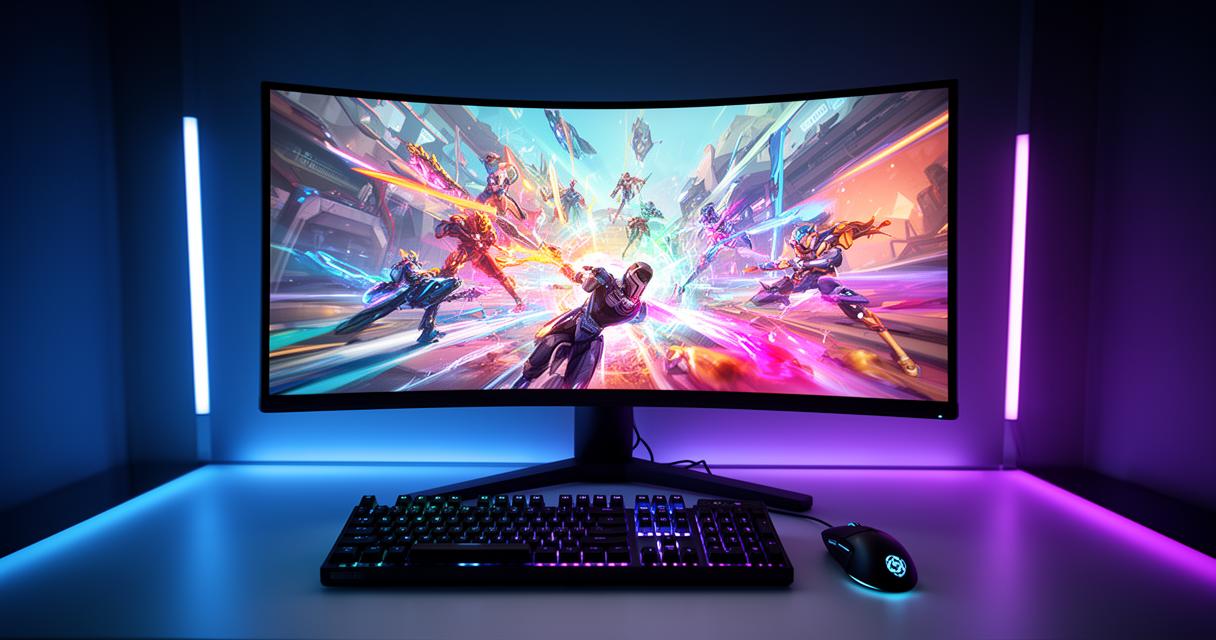
Collaborative strategies for dominating team-based game modes
Once your squad is sorted, setting the right type of custom game makes a real difference to how your sessions play out. You can choose to make your private games restricted to invited friends only, which is ideal for organised practice or scrims, or open things up as public games if you fancy mixing things up with new faces. Communication remains the backbone of any winning team, so using voice chat through Discord alongside in-game callouts will help everyone stay coordinated during firefights. Assigning rough roles, such as who pushes aggressively and who holds back to support, can make your squad far more effective than simply running in without a plan. With good communication, a bit of map knowledge, and friends who know their preferred playstyles, dominating team-based modes in Respawnables becomes a genuinely enjoyable and rewarding experience.