
Choosing a new printer for the home or office can feel like a minefield, given the sheer number of models flooding the market each year. With so many printer brands vying for attention, from household names to more specialist manufacturers, it helps to have a clear grasp of what actually matters when it comes to daily performance. This guide walks through the key features worth considering, from duplex printing to connectivity, and looks at some of the standout models currently earning praise from reviewers and everyday users alike.
In short
- Modern multifunction printers provide essential combined capabilities such as scanning, copying, and faxing to improve efficiency in both home and office settings.
- Automatic two-sided printing, or duplexing, is a critical feature that saves paper and reduces operational costs for businesses handling long documents.
- Connectivity options including Wi-Fi, Ethernet, and AirPrint are now standard requirements to support seamless printing across multiple devices and hybrid work environments.
- Brother is recognized for its durable and reliable performance, offering a wide range of laser and inkjet models for different printing needs.
- Epson's EcoTank series has gained popularity for its cost-effective refillable ink system, appealing to both budget-conscious users and high-volume business environments.
- Canon and HP offer specialized solutions, ranging from budget-friendly home printers to high-quality photo printers and robust machines for professional office workflows.
- Choosing between monochrome and color printers depends on specific usage, as monochrome models are often more economical for text-heavy work, while color units are essential for marketing and creative tasks.
Essential Features of Modern Multifunction Wi-Fi Printers with Duplex Technology
A genuinely useful multifunction printer needs to do more than simply print. The best all-in-one printers combine scanning, copying and sometimes faxing into a single unit, saving space and money compared with buying separate devices. When testers get their hands on new releases, they typically put units through their paces across dozens of criteria, and it's telling that 182 printers have been bought and tested to build a reliable picture of what's worth recommending and what falls short.
Understanding automatic two-sided printing and its efficiency benefits
Duplex printing, or automatic two-sided printing, has become something of a must-have feature rather than a luxury extra. Rather than manually flipping paper over, the printer handles both sides of the sheet without any input from the user. This is particularly handy in office printers where reports, contracts and lengthy documents are the norm, as it cuts paper consumption significantly over time. For small business printers especially, this efficiency translates directly into cost savings, making duplex capability a sensible box to tick when comparing printer models.
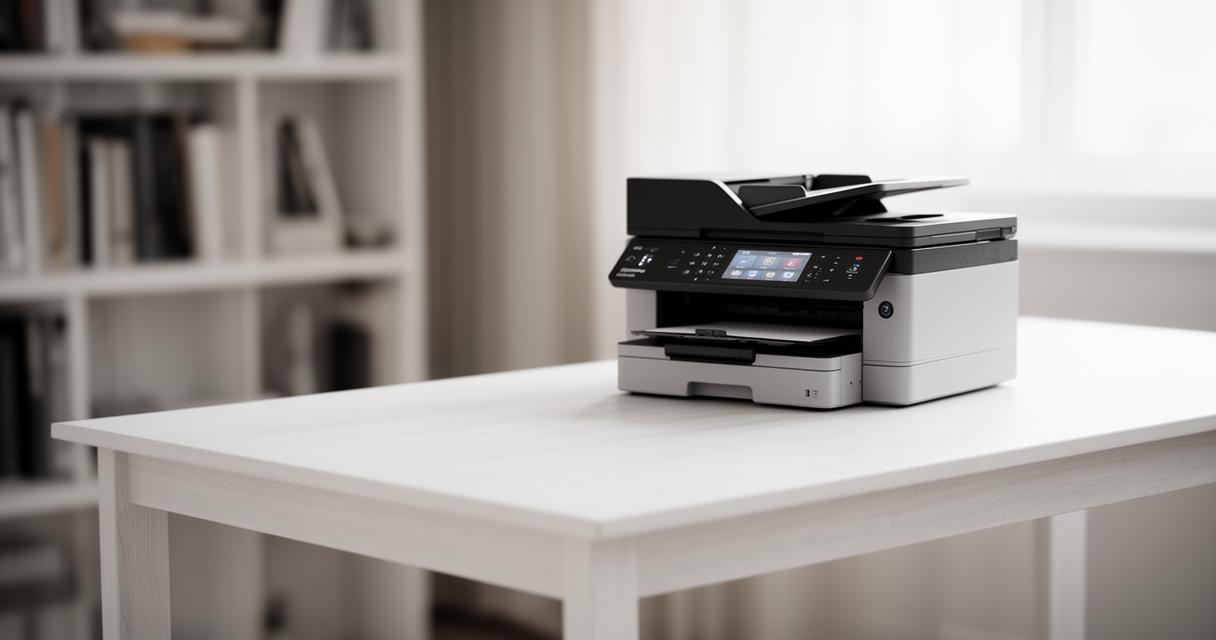
Connectivity options: wi-fi, ethernet, and airprint capabilities
Modern wireless printers are expected to slot seamlessly into any home or office network. Most decent models now offer Wi-Fi as standard, alongside Ethernet for those who prefer a wired connection for stability, and AirPrint support for Apple users who want to print straight from their phones or tablets without fuss. This flexibility matters more than ever, particularly as hybrid working arrangements mean documents often need printing from multiple devices scattered around a household or workplace. Portable printers, too, have embraced wireless connectivity, making them genuinely useful for those who need to print on the move.
Leading brands and their standout duplex printer models
When it comes to reputation and reliability, a handful of names consistently top the charts in printer reviews. HP, Epson, Brother and Canon each bring something slightly different to the table, whether that's ink efficiency, build quality or sheer print speed, and understanding these differences helps narrow down the search considerably.
Brother multifunction printers: reliability and performance analysis
Brother has built a solid reputation for producing dependable, no-nonsense machines that just get the job done. The Brother HL-L2460DW is a popular choice among those wanting a straightforward monochrome laser printer without unnecessary bells and whistles, while the Brother MFC-L8930CDW steps things up with colour laser output suited to busier office environments. For households needing a bit more flexibility, models such as the Brother MFC-L2820DW, the Brother MFC-J1360DW and the Brother MFC-L3780CDW alongside its sibling the MFC-L3720CDW all offer strong all-round performance. Meanwhile, the Brother MFC-J4355DW and Brother MFC-J4335DW cater nicely to those who print a wide variety of document sizes and types.
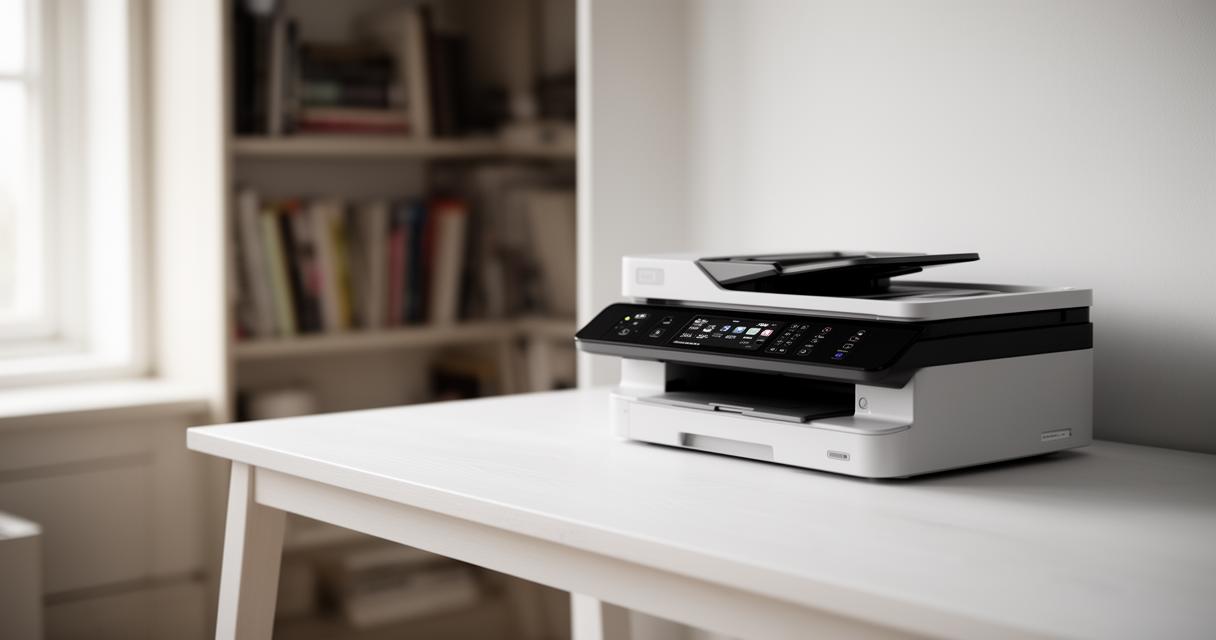
Epson and Canon Offerings: Comparing Feature Sets and Value
Epson has become almost synonymous with its EcoTank range, which ditches traditional cartridges in favour of refillable ink tanks, a move that has won over budget-conscious buyers looking to avoid the ongoing expense of replacement cartridges. The Epson EcoTank Photo ET-8550 stands out for photo printers seeking vibrant, gallery-quality results, while the Epson EcoTank ET-2980 and Epson EcoTank ET-3950 offer excellent value for everyday home printers. Those wanting even more capacity might look towards the Epson EcoTank Pro ET-5850 or the Epson EcoTank ET-4950, both aimed squarely at small business printers with heavier workloads. Budget shoppers often gravitate towards the Epson EcoTank ET-2800 and its close relative the ET-2803, as well as the wallet-friendly Epson EcoTank ET-2400.
Canon, on the other hand, brings its own strengths to the table, particularly with the Canon Color imageCLASS MF665Cdw, a laser printer well suited to colour-heavy office documents. The Canon PIXMA MG3620 and Canon PIXMA TR4720 alongside the TR4722 remain firm favourites among home users wanting cheap and budget printers that still deliver decent results. For creative professionals, the Canon imagePROGRAF PRO-310 caters to those needing wide-format, high-quality photo output. Not to be left out, HP continues to impress with the compact HP OfficeJet 250, ideal for portable printers on the go, and the more robust HP OfficeJet Pro 9125e, which suits busier office printers setups.
Performance specifications: print speed, quality, and ink technologies
Beyond brand loyalty, the technical specifications of a printer often make the real difference in day-to-day satisfaction. Print speed, ink type and overall output quality all deserve careful thought before making a purchase.
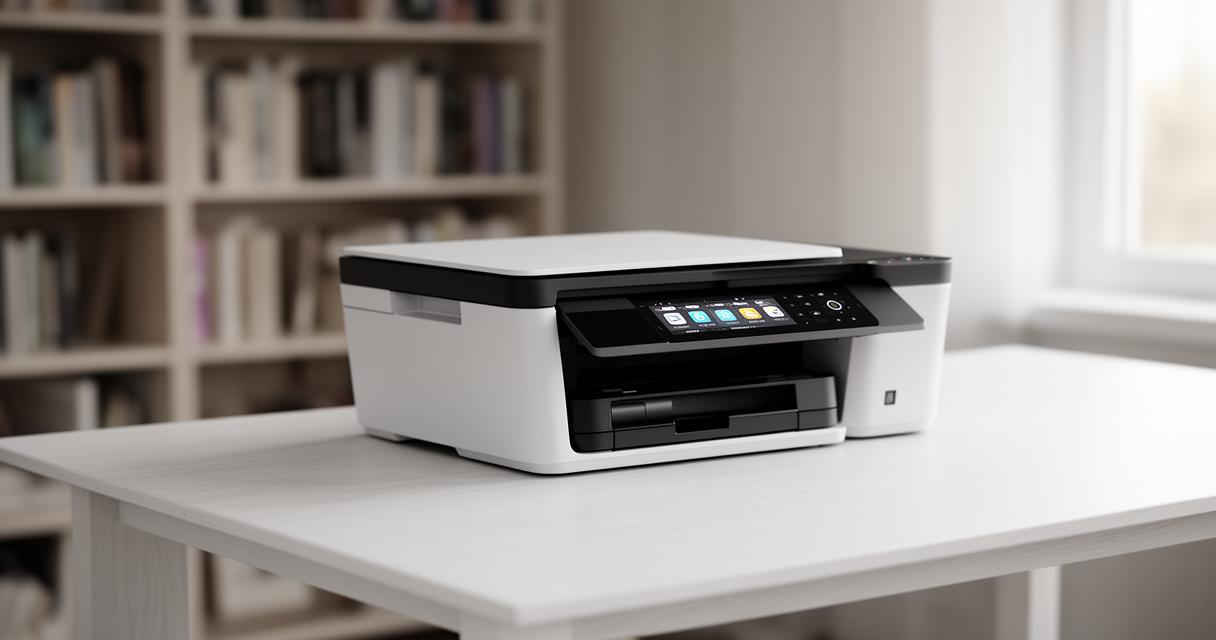
Colour versus monochrome printing: choosing the right solution
Deciding between colour laser printers and monochrome printers largely comes down to how the device will be used. Offices dealing mainly with text-based documents often find monochrome models more than sufficient, and typically cheaper to run in the long term. However, anyone regularly producing marketing materials, photographs or colourful presentations will likely benefit from investing in a colour-capable machine, even if the running costs are marginally higher. Inkjet printers tend to shine here, offering richer colour reproduction than many laser alternatives, particularly for photo printers where subtlety and gradient matter.
Print speed measurements and ink system comparisons across models
Print speed, usually measured in pages per minute, varies considerably between models and can significantly affect user satisfaction, especially in busier settings. Laser printers generally outpace inkjet printers when it comes to raw speed, making them a sensible choice for office printers churning through large volumes daily. That said, EcoTank printers have narrowed this gap somewhat, offering respectable speeds alongside the cost benefits of refillable ink tanks rather than traditional cartridges. Ultimately, the right balance between speed, ink technology and running costs depends entirely on individual printing habits, which is why thorough printer testing and comparison remain so valuable before committing to a purchase. Many review sites, supported through membership and affiliate commissions from purchases made via links on the site, continue to provide detailed, hands-on assessments that make navigating this crowded market considerably easier for shoppers.